A PandaBuy product research board is useful when attractive thumbnails begin to blur together. Instead of collecting links without context, the board gives every find the same fields: product purpose, seller details, image evidence, measurements, quality-control questions, route availability, and likely shipping impact. That consistent structure makes weak listings easier to reject and good candidates easier to compare. It also prevents a familiar mistake: choosing a product because one photo looks convincing while ignoring unclear sizing, missing construction images, or a costly parcel profile.
This guide uses six current OutfitReps detail pages as examples. They cover a warm-weather outfit—graphic tee, shorts, low-cut sneakers, light jacket, nylon bag, and breathable cap—so the research board has clothing, footwear, and accessories with different inspection needs. The products are examples rather than endorsements. Availability, variants, seller information, and agent support can change, so reopen each detail page and confirm the evidence immediately before ordering.
Build the PandaBuy Product Research Board Before Comparing Prices
Start with one row per exact product URL, not one row per general category. Record the displayed product name, intended role, available colors, size range, seller or source information, price at the time checked, and date reviewed. Add a short reason for saving the find. “Works as a breathable base layer” is useful; “looks good” is not. A reason tied to function gives you a standard for removing the item later.
Create separate columns for evidence and uncertainty. Evidence includes clear front, back, detail, label, material, and measurement photos. Uncertainty includes missing size charts, inconsistent color photos, unclear seller history, or a route that has not been tested. Never convert uncertainty into an assumption. Mark it as unresolved, then ask the agent or seller for clarification. A board is safer because it keeps doubt visible instead of hiding it behind a saved link.
| Board field | What to record | Decision question |
|---|---|---|
| Product role | Base, layer, footwear, or accessory | Does it solve a real wardrobe need? |
| Photo evidence | Angles, fabric, seams, hardware, labels | Can the listing support a QC comparison? |
| Measurements | Garment dimensions or insole length | Can it be compared with an item you own? |
| Seller details | Source, options, update date, return notes | Are important terms visible before payment? |
| Agent route | Supported route and restrictions | Can the product be purchased and shipped? |
Six OutfitReps Finds to Place on the Comparison Board
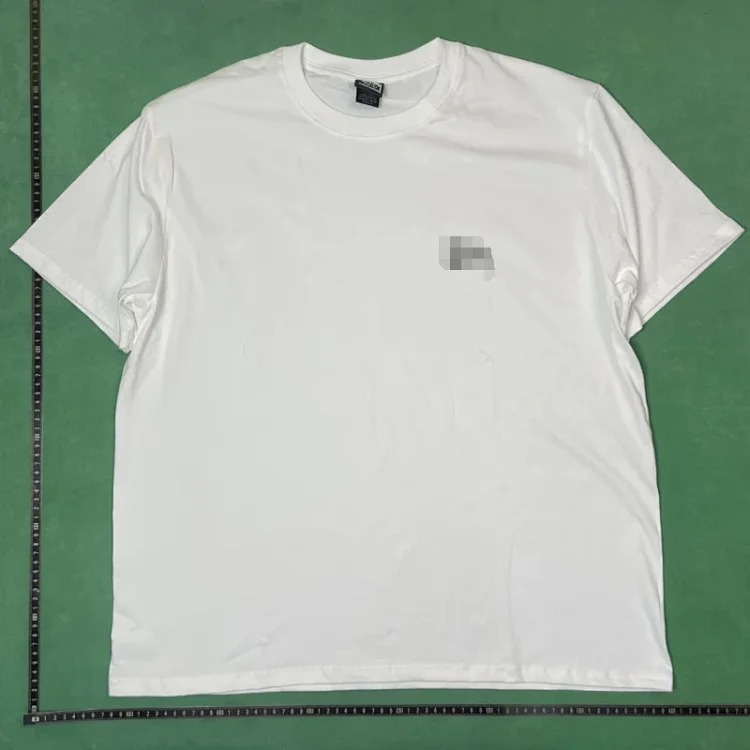
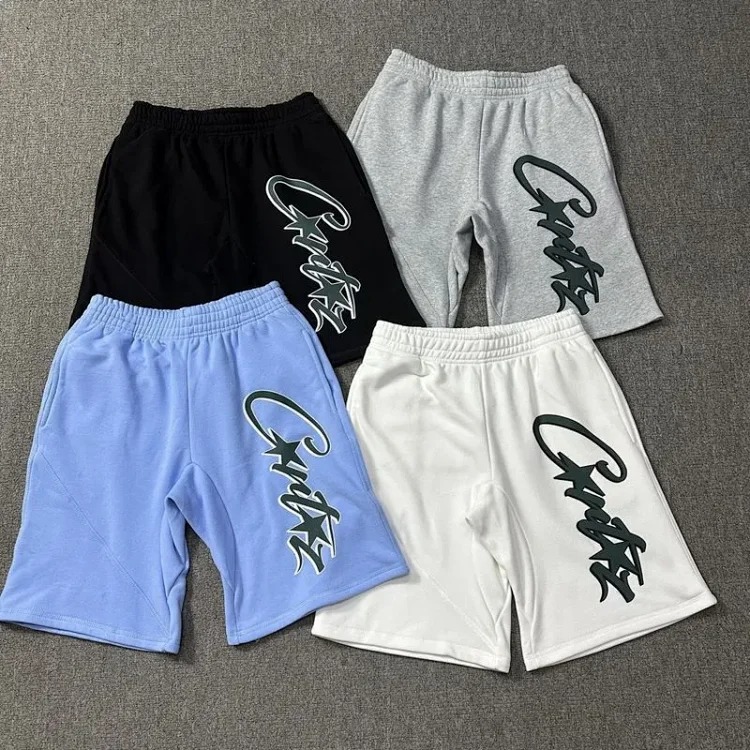
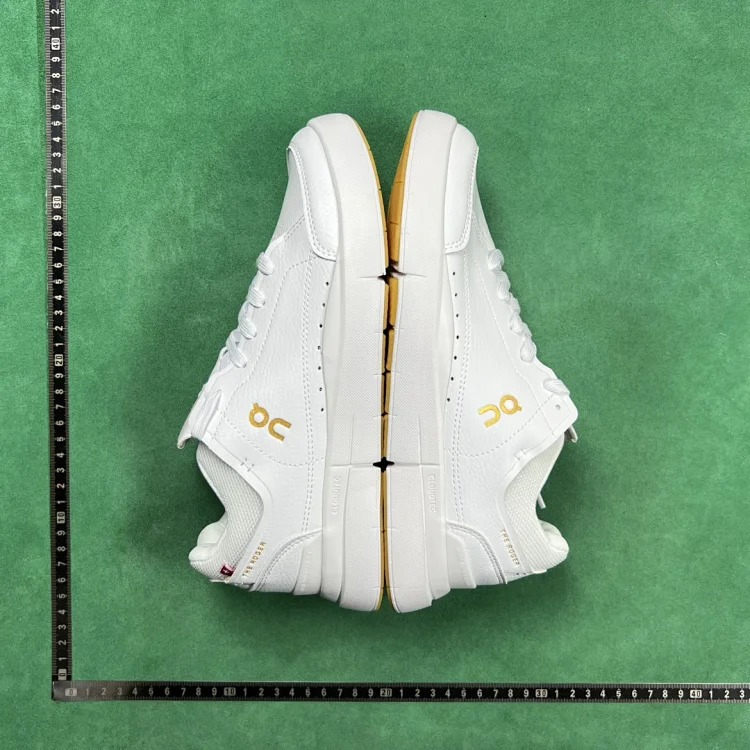
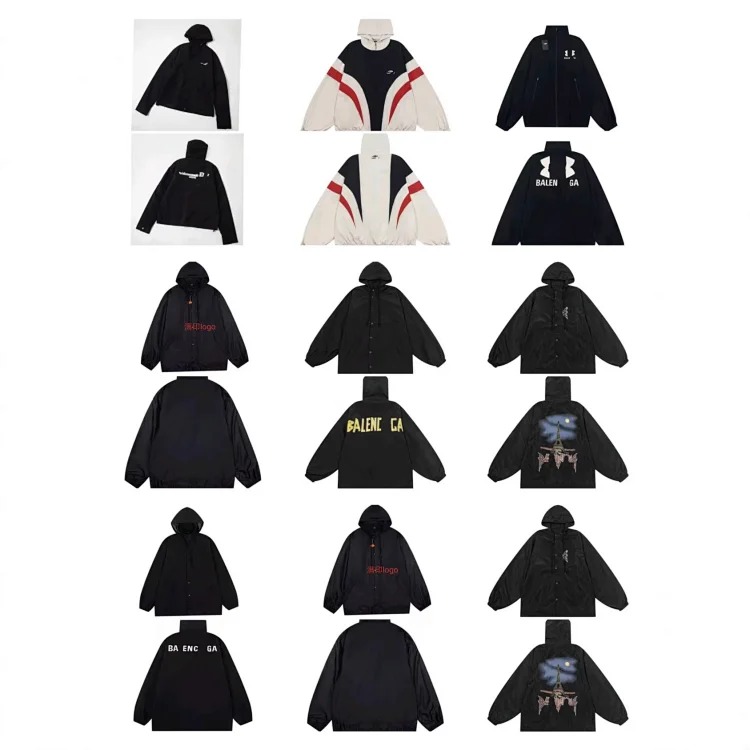
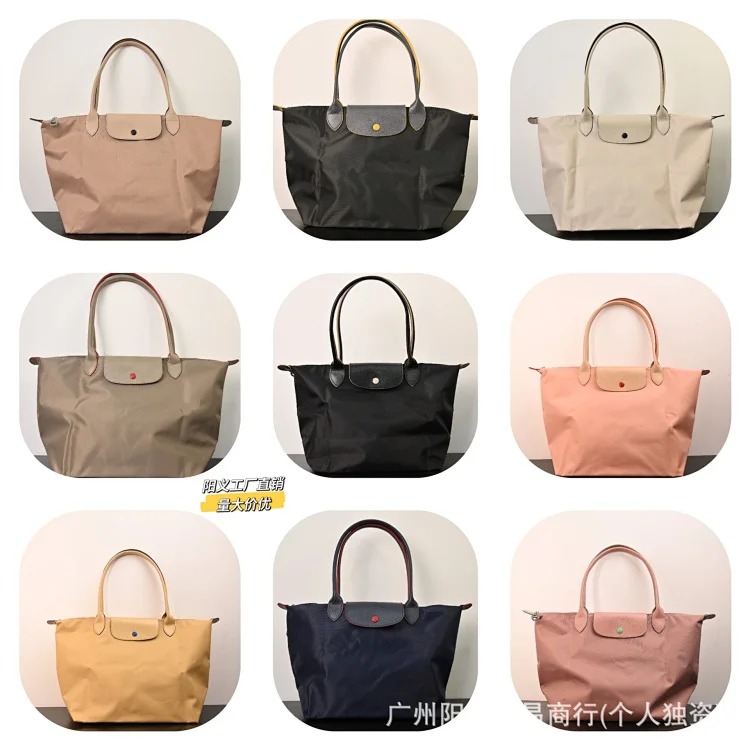
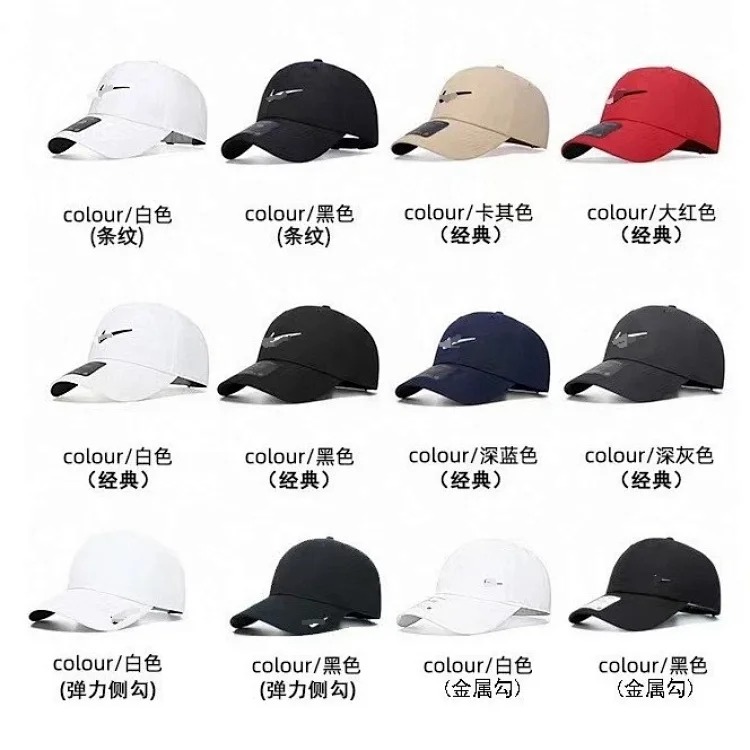
Give every product a role and a specific inspection focus. For the tee, compare print placement, collar construction, fabric weight, and chest width. For the shorts, record waistband range, rise, inseam, pocket depth, and hem width. The sneakers need an insole measurement, outsole shape, upper-material details, and close photos of joins. The windbreaker needs lining, zipper, cuff, and water-resistance evidence. The bag needs internal capacity, strap adjustment, closure, and hardware checks. The cap needs circumference or adjustability, crown depth, stitching, and ventilation details.
Use QC Photos, Seller Details, and Measurements as the Quality Gate
QC should answer the questions written on the board; it should not be a casual glance after purchase. Ask for straight, well-lit photos of the front, back, both sides, label or material information, and the exact measurements that determine fit. For printed clothing, compare alignment and edges. For footwear, check both shoes together, the heel shape, toe symmetry, outsole, and insole length. For accessories, inspect closures, seams, hardware color, and attachment points.
Compare measurements with a similar item you already own. Body measurements and garment measurements are not interchangeable. A chest number taken flat generally needs to be understood as half circumference, while shoe size labels can vary by model. Record how each measurement was taken so you do not compare a straight hem width with a stretched waistband or an outsole length with an insole length. When the listing lacks a usable chart, the correct board status is “measurement needed,” not “probably true to size.”
Seller details deserve their own review. Save the exact option name, color, size, displayed price, update date, and any return or exchange restriction. Check whether photos appear consistent across options. If several unrelated products share identical descriptions or images, note that signal. The board does not need to declare a seller good or bad; it needs to show whether there is enough traceable information to proceed. Use the site's full PandaBuy QC checklist when a listing reaches this gate.
Check the Agent Route and Shipping Impact Before Final Selection
A product can pass visual review and still be a poor international purchase. Confirm that your chosen shopping agent can open the source link, select the correct variant, communicate measurement requests, and handle the category. Record any restriction involving branded goods, batteries, liquids, magnetic components, or special materials. Agent route availability can change, so the route column needs a review date rather than a permanent yes or no.
Estimate shipping by volume, weight, and packaging sensitivity. Sneakers may need a box decision; removing the box can reduce volume but changes protection. A structured cap or bag may compress badly. A lightweight jacket can fill parcel space even when its scale weight is low. Record whether each product should be folded, protected, vacuum packed, or shipped with original packaging. Then compare estimated landed cost—not only product price—before ranking the finds.
Keep a simple route note: source page confirmed, option confirmed, agent accepted, warehouse photos requested, restrictions reviewed, packaging chosen, and final parcel estimate checked. This makes it easier to pause when something changes. It also prevents a cheap item from slipping into the parcel without a realistic shipping calculation. For more examples of route-aware planning, browse the PandaBuy city commute product research guide.
Score the Evidence and Keep Only Decision-Ready PandaBuy Finds
- Photos: enough clear images to define QC expectations.
- Seller details: exact option, price, source, and terms recorded.
- Size: measurements compared with a known item.
- Agent route: current route and category restrictions confirmed.
- Shipping: packaging, estimated volume, and landed cost considered.
Use a five-point readiness score, one point for each checklist group above. A five-point find is ready for a final availability check. A three- or four-point find needs targeted clarification. A zero- to two-point find should remain outside the cart. Do not compensate for weak evidence by adding more products. The value of a research board is that it reduces the list until every surviving row has a clear role and a reviewable trail.
Update the board when new QC images arrive and again before parcel submission. Product status should move through saved, evidence requested, comparison ready, agent accepted, warehouse checked, and shipping approved. If a listing disappears, keep the old review date and mark it unavailable rather than silently replacing the URL. That history helps you recognize repeated images, changed descriptions, or a new listing that is not truly equivalent.
The safest PandaBuy product research board is not the one with the most links. It is the one that makes every decision explainable. Start from the PandaBuy Spreadsheet and Product Finds Guide, choose a relevant entry in the PandaBuy product categories, and use the complete PandaBuy guides library for related sizing, QC, and outfit-planning workflows.