A PandaBuy seller details checklist prevents a saved product link from becoming an unsupported assumption. Product pages can change: stock, price, color labels, chart images, return terms, and even photos may be updated after you first see them. A reliable research row therefore records the exact URL, title shown today, chosen option, visible price, product category, seller notes, update date, and the questions that remain unanswered. It is an evidence record, not a reputation score.
Use the same fields for every find. That consistency helps you distinguish a page with enough details to investigate from one that merely has attractive images. The five OutfitReps detail pages below are current examples for building a checklist; they are not endorsements. Recheck availability and page details before payment. A seller page that cannot support a specific size, material, or option decision should stay on hold until an agent or seller provides the missing information.
Capture Seller Details Before You Compare Price
Start with the source page itself. Save the full product-detail URL rather than a category link or image URL. Then record the displayed title, option name, color, size, current price, domestic delivery note, and the date and time reviewed. If several options are listed, save the exact words used for the desired one. “Black medium” is not always enough: an option may use a different material, batch, or size chart under the same general color.
Next, separate facts from questions. Facts are the things the page states or visibly shows. Questions are missing details, conflicting photos, vague translations, or a chart whose measurement method is unknown. This matters because a shopping agent can answer a targeted question, while “please check quality” is too broad to create a useful response. The spreadsheet should let you see at a glance which saved finds can move to an order and which need evidence first.
| Seller-detail field | What to save | Reason |
|---|---|---|
| Exact source | Product URL, title, review date | Prevents mixed or replaced listings |
| Variant | Color, size, version, option wording | Lets the agent select the intended item |
| Evidence | Photos, chart, material and construction claims | Creates a QC comparison reference |
| Terms | Price, delivery, exchange or return notes | Supports a realistic decision |
| Open questions | Measurements, interior, hardware or availability | Turns uncertainty into an action list |
Use Current Product Pages as a Seller-Detail Exercise

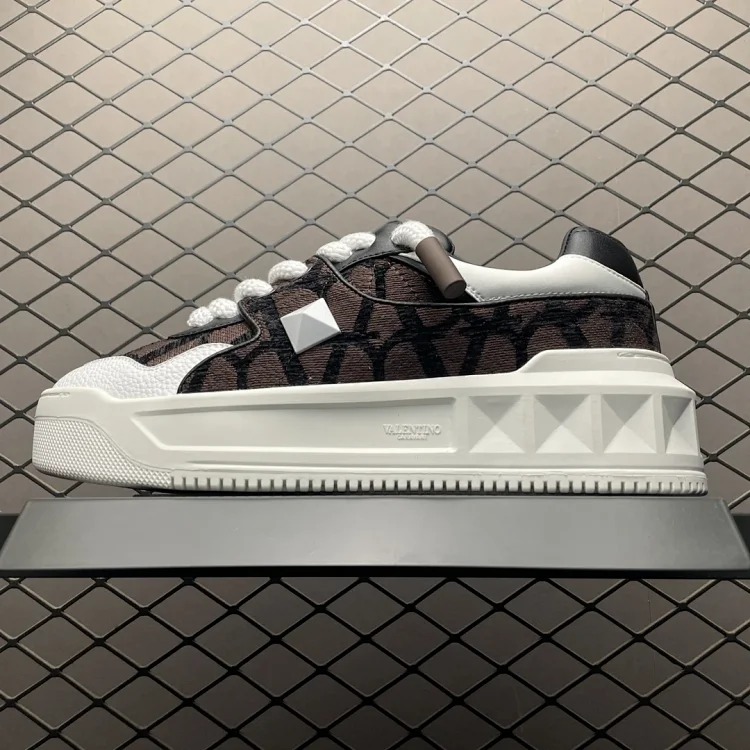
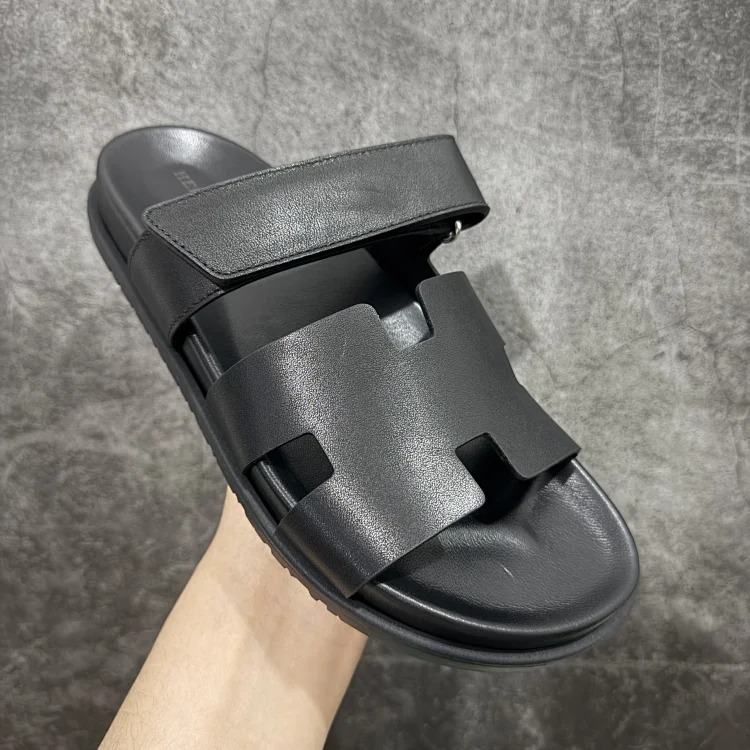
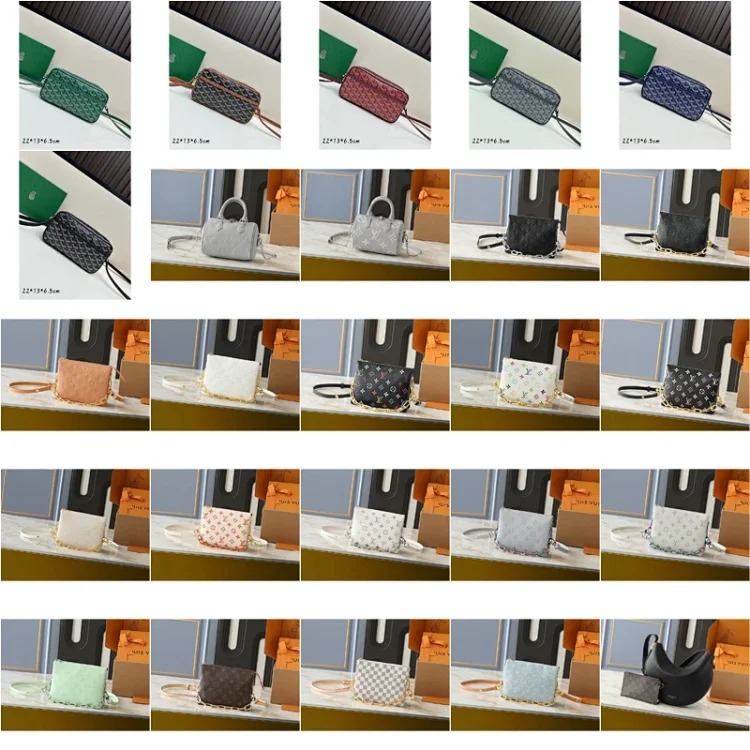
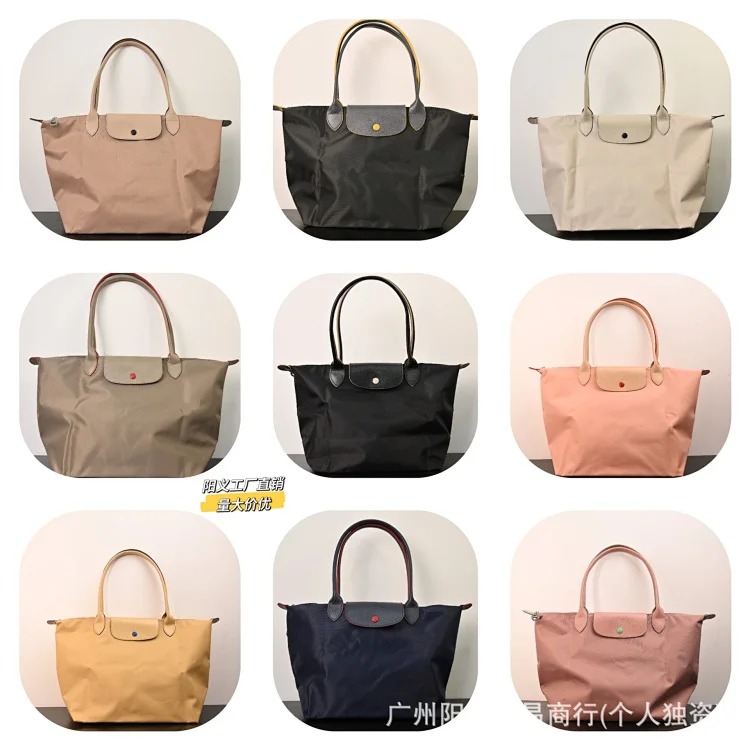
For each page, try completing the same row without filling any gaps by guesswork. A bag needs capacity, dimensions, opening size, strap drop, material, lining, closure, and hardware information. A clothing item needs its exact size chart, fabric claim, and measurement method. A shoe needs insole length, shape, and material photos. The category changes, but the seller-detail discipline does not. Relevant comparison starting points are available through PandaBuy product categories.
Request QC Photos and Measurements That Match the Seller Record
QC images should be planned from the saved record. Before ordering, list the photos required to confirm the option, dimensions, and construction. Ask for a straight front and back, close views of seams and labels, ruler photos for the key measurements, and any category-specific detail such as a bag interior, zipper pull, shoe insole, or garment print. The exact request prevents a warehouse photo set from looking complete while omitting the question that mattered most.
When QC arrives, compare it with the saved seller claims. Check color and option labels first. Then inspect measurement endpoints, symmetry, material texture, stitches, hardware, and packaging condition. If a detail differs, log the difference rather than relying on memory. A difference is not automatically a failure, but it is a reason to reassess the fit, function, and landed cost. Use the complete PandaBuy QC checklist for a broader warehouse review.
Check Agent Route and Shipping Before Approval
Seller details alone do not make a find order-ready. Confirm that the agent route can open the source, choose the correct variant, request missing details, receive the item, and ship the category to the destination. Route restrictions, customs rules, and product handling options can change. Record the date you checked the route and leave unconfirmed cases visible rather than treating an old order as proof of current support.
Estimate shipping with the product’s true shape in mind. Bulky outerwear, shoe boxes, and structured bags can have more volumetric weight than their scale weight suggests. The spreadsheet should include product price, domestic shipping, agent costs, packaging, international freight, insurance if relevant, and possible tax or duty. A seller price is only one part of landed cost. If the only way to protect an item makes shipping unreasonable, the product is not a strong find.
Final PandaBuy Seller Details Checklist
- Exact product-detail URL and review date are saved.
- Variant wording, price, chart, and seller terms are captured.
- Unknown details become direct QC or agent questions.
- Measurements and QC photos can be compared with the saved evidence.
- Agent route, restrictions, packing, and shipping notes are current.
Use simple states: saved, details needed, agent confirmed, QC received, approved, or rejected. That makes a product list useful even when seller pages change. You are not trying to predict every outcome; you are keeping the information needed to make the next decision visible and checkable.
Continue with the PandaBuy sizing guide, return to the PandaBuy Best Sheet home, and browse the PandaBuy guides library for related research workflows.
A useful record also notes what would change the decision. For example, a confirmation of insole length may make a shoe usable, while an unavailable requested color may remove it from the shortlist. This keeps agent communication focused and reduces duplicated questions when several products are under review at the same time.