A PandaBuy bag spreadsheet makes comparison possible when several bag listings look similar but have different capacities, materials, closures, and shipping consequences. The spreadsheet gives every candidate one row and the same decision fields: intended use, external dimensions, internal capacity, material claim, hardware finish, photo evidence, seller details, QC requests, agent route, packing plan, and estimated landed cost. That structure exposes gaps before an attractive image turns into an expensive guess.
Use this page as a research workflow, not as a promise about a particular item. The OutfitReps links below are current detail-page examples that should be reopened before a purchase. Product options, inventory, images, seller terms, route eligibility, and delivery costs can change. A good spreadsheet preserves the page URL and review date, then marks every claim as confirmed, needs evidence, or rejected.
Build the PandaBuy Bag Spreadsheet Around Measurable Details
Start with purpose. A messenger bag for a laptop, a compact shoulder bag for daily essentials, and a soft nylon tote for travel have different capacity and protection needs. Add an “items carried” column and name the objects: phone, charger, notebook, water bottle, laptop, passport, or sunglasses. This avoids comparing a visually appealing small bag with a piece that actually needs to carry a larger load.
Record length, height, depth, strap drop, handle clearance, and opening width exactly as stated. External dimensions alone can exaggerate usable capacity if the lining, gusset, compartments, or shape restrict the interior. If a product has a rigid base, add it to the notes. If a soft bag may collapse around its contents, record that too. A spreadsheet should separate the seller’s stated dimensions from measurements you have independently requested.
| Spreadsheet field | What to capture | Question before saving |
|---|---|---|
| Role and capacity | Daily, travel, work, or occasion use; items carried | Will the interior fit the intended load? |
| Material | Exterior, lining, trim, coating, and texture photos | Is the stated material supported by images? |
| Hardware | Zipper, clasp, rings, feet, logo and finish | Are close QC checks planned? |
| Measurements | Length, height, depth, strap and opening | Can they be compared with a bag you own? |
| Route and shipping | Agent support, packing, volume and restrictions | Is landed cost still reasonable? |
Compare Current OutfitReps Bag Detail Pages in One Table
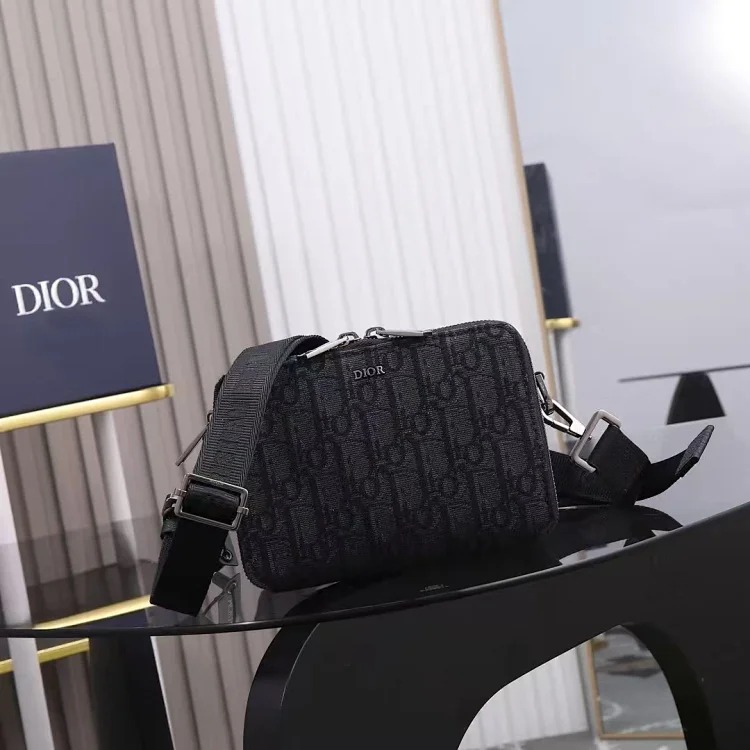
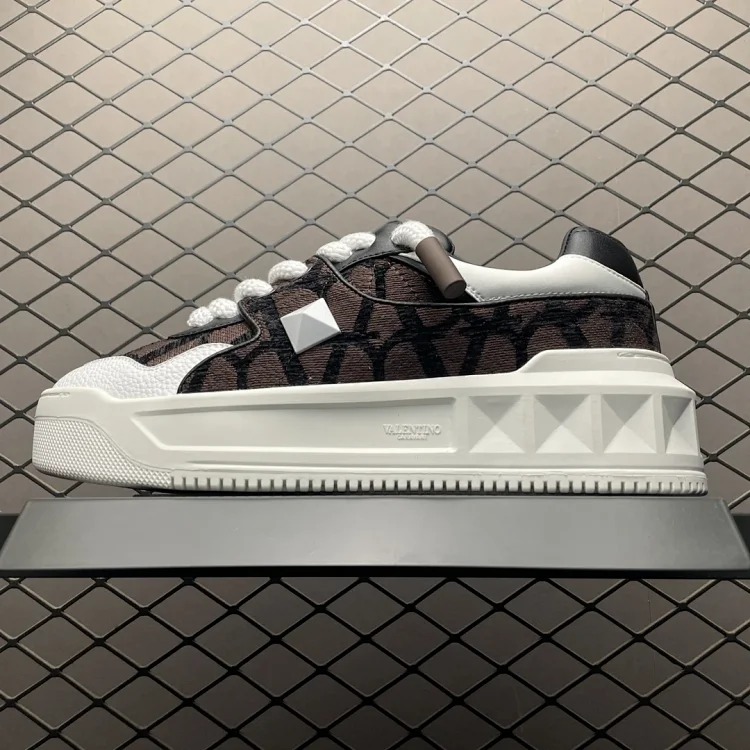
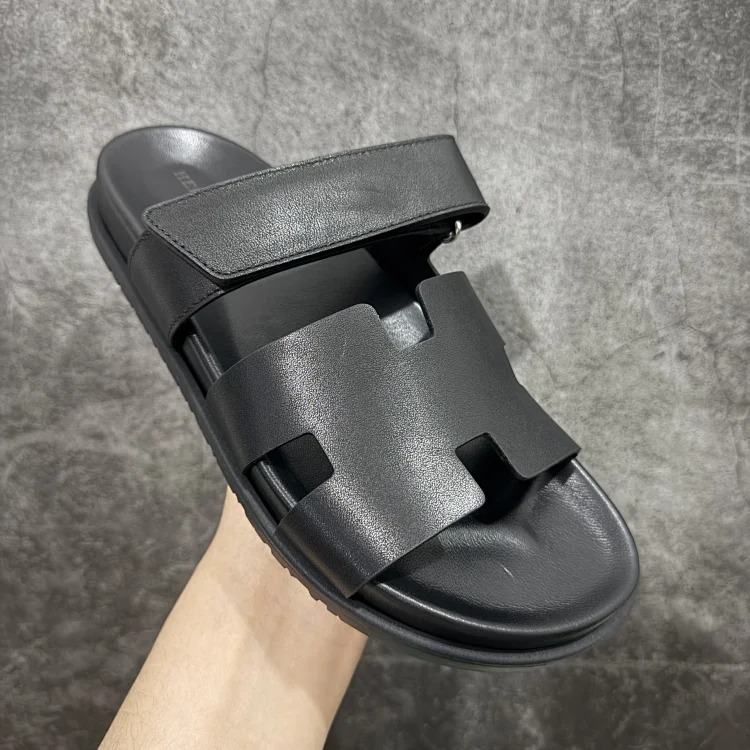
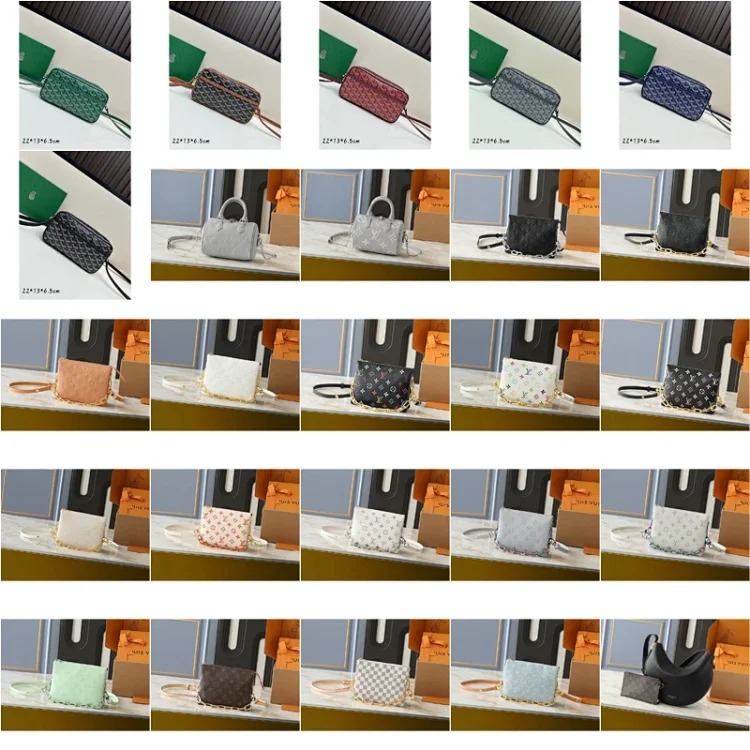
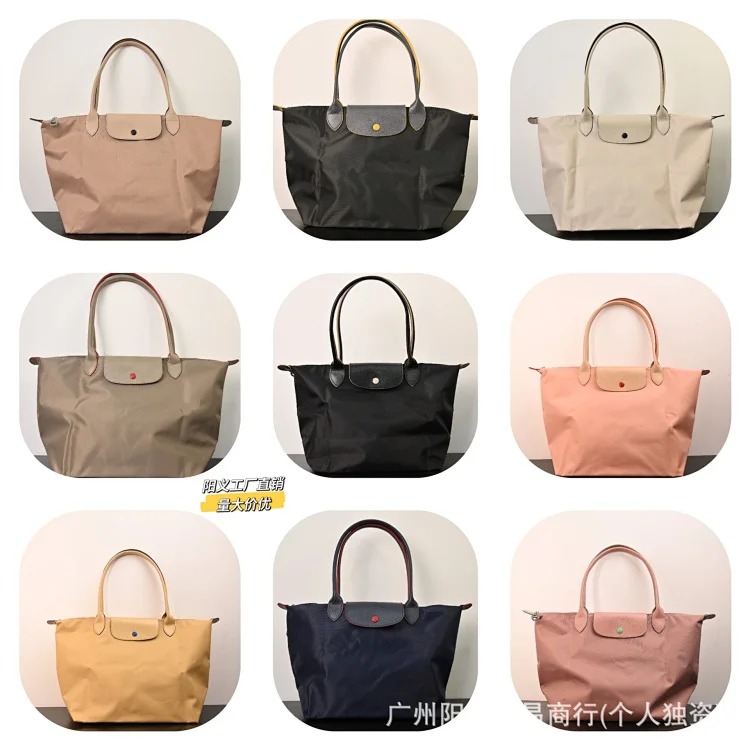
Use product titles only as starting labels. Rename each spreadsheet row in plain language, such as “black messenger / 13-inch laptop test” or “soft nylon shoulder / passport-and-phone test.” Then attach the exact page URL, color, price at review time, and the evidence needed before a final decision. This makes a later comparison defensible even when sellers use vague or recycled titles.
Use the site’s PandaBuy product categories to compare bags with complementary items such as outerwear or shoes, but keep the bag spreadsheet focused on load, materials, and durability. It is better to maintain a small sheet of well-documented candidates than a long gallery of saved images.
Inspect Hardware, Materials, and QC Photos Before an Agent Order
Hardware is often the fastest quality-control gate. Request close, well-lit QC photos of every zipper pull, clasp, ring, buckle, magnetic closure, logo plate, rivet, and metal foot. Check that the finish is consistent, edges are clean, engraving is centred where relevant, and moving parts open and close correctly. A photo taken from far away cannot establish any of those points. Put each requested angle in its own spreadsheet cell so a missing image cannot be overlooked.
For material, compare the listing’s claim with grain, weave, edge paint, lining, seams, and structure. Note whether a material looks coated, smooth, woven, textured, or synthetic, but do not make unsupported authenticity claims. If the listing cannot show an interior label, care information, or a material close-up, mark the material column as unconfirmed. The useful question is whether the evidence supports your durability and care expectations.
Ask for a straight front, back, both sides, base, top opening, interior, strap attachment, and ruler photos of length, height, depth, and strap drop. For a structured bag, add corner and base photos. For a soft bag, ask for the bag lightly filled so you can judge droop and opening access. Cross-check every warehouse photo against the planned option and use the broader PandaBuy QC checklist before approval.
Confirm Seller Details, Agent Route, and Shipping Notes
Seller details are not administrative clutter. Store the exact product page, selected option, displayed price, color wording, dimensions claim, update date, and return or exchange notes. If the seller’s image set changes between colors, create separate rows rather than assuming all options are equivalent. When the shopping agent receives a different variant, the spreadsheet should contain enough information to identify the mismatch quickly.
Before payment, confirm the agent route can open the source page, select the exact option, request photos and measurements, accept the category, and ship to the destination. Route restrictions and destination rules can change. Record the review date and leave a visible note for anything requiring the agent’s confirmation. Never turn a past successful order into a permanent route assumption.
Bag shipping is shaped by volume, packaging and damage risk. A rigid bag may need corner protection and filling to prevent crushing; that increases parcel volume. A dust bag or original box may protect hardware but can also raise freight. Soft nylon can often be packed more efficiently, but zippers and buckles still need protection. Estimate product price, domestic delivery, agent fees, international shipping, insurance where relevant, and likely tax or duty. Rank by landed cost and usable capacity, not item price alone.
Use a Final PandaBuy Bag Spreadsheet Checklist
- Purpose: capacity test is based on actual items carried.
- Size: length, height, depth, opening, and strap measurements are recorded.
- Material: exterior, lining, seams, and care assumptions have visible evidence.
- Hardware: every closure, ring, buckle, zipper, and finish has a QC photo request.
- Seller details: URL, variant, price, date, and terms are saved.
- Agent route and shipping: route eligibility, packing method, volume, and landed cost are checked.
Score each line as confirmed, needs evidence, or failed. A bag with an unclear depth, weak closure photos, or an unavailable agent route is not decision-ready. Leave it on hold until the missing evidence arrives; do not solve uncertainty by assuming the best case. The spreadsheet’s value is that it keeps every risk visible long enough to resolve it.
For a broader product comparison process, read the related PandaBuy product research board guide. Start from the PandaBuy Best Sheet home, return to the PandaBuy guides library for other workflows, and reopen every live product page just before ordering.