PandaBuy Best Sheet home / PandaBuy guide library
PandaBuy Product Comparison Checklist for Similar Listings
When several PandaBuy product listings look alike, choosing the first one is usually the least useful comparison method. Similar titles and polished images can hide meaningful differences in variant availability, material claims, stated measurements, seller information, photo evidence, packing needs, and agent route. A comparison sheet turns those differences into columns so the decision is based on what you can document instead of what looks most persuasive at a glance.
This PandaBuy product comparison checklist is designed for current research, not for claims about product authenticity, condition, performance, or delivery. The direct OutfitReps links below are examples of product pages that should be checked again before any order. Listing text, images, options, stock, pricing, and seller details may change. Preserve the review date and the exact variant you compared so later notes do not refer to a different listing version.
Set a fair comparison question before collecting links
Define the decision you are trying to make. “Which listing is best?” is too vague to create a useful row. Better questions include: which option has the clearest dimensions for daily use, which product has enough visible detail to justify QC, or which one can be packed with the least risk to its structure? Start every group with the same category and intended use. If you compare a shoulder bag with a messenger bag, the result should explain the different purpose rather than force a winner.
Create a product identity column containing the direct URL, full title, selected variant, category, and review date. Add a decision column with “shortlist,” “needs evidence,” “compare after QC,” or “remove.” This simple status prevents a saved product card from being treated as an approved find. It also makes a larger PandaBuy spreadsheet faster to review because uncertain rows are visible immediately.
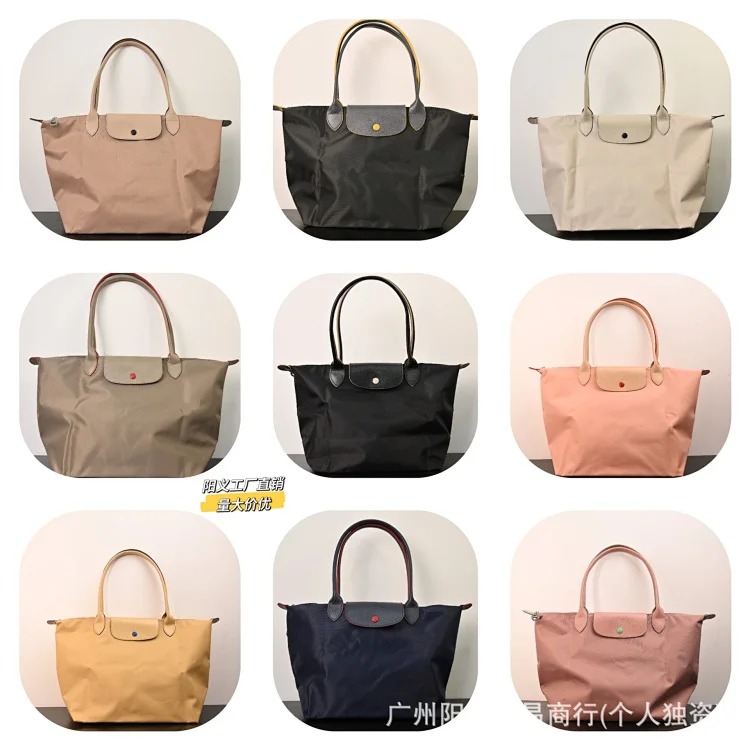
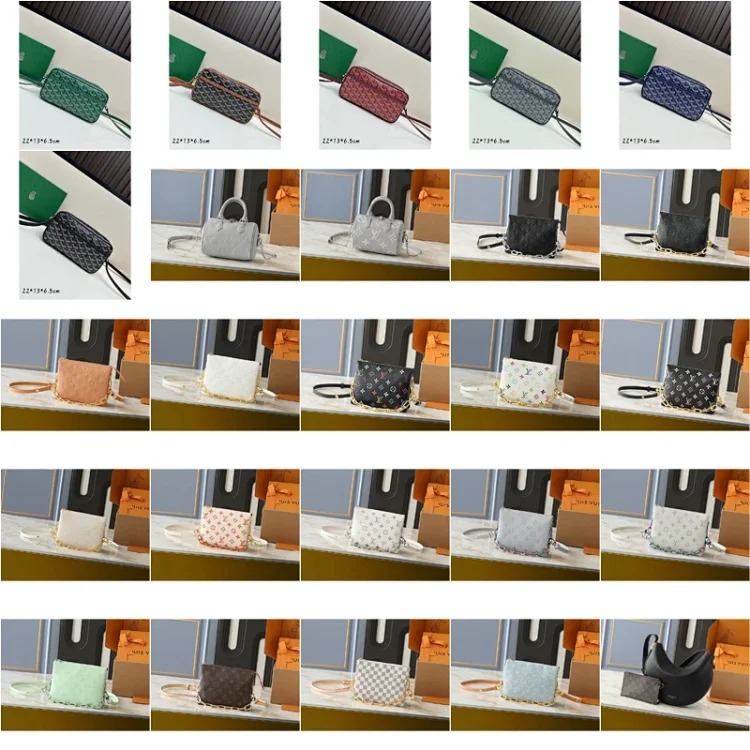
Compare seller details and stated specifications side by side
Seller details are comparison data, not decoration. Record the seller or shop name when displayed, the exact listing wording, current price, stated material, included accessories, stated lead time, and available variants. If the page does not identify a seller or does not state a material, write “not shown” in the relevant cell. Missing information should lower confidence in the row until it is clarified, rather than being replaced by an assumption based on a photo.
Keep the source of each fact clear. A seller description, a warehouse measurement, and your personal visual observation are different evidence types. Separating them makes comparison more honest and helps you formulate a precise question for an agent. For example, you can ask for the width of a strap or a photo of a lining without implying that the page already confirmed those details.
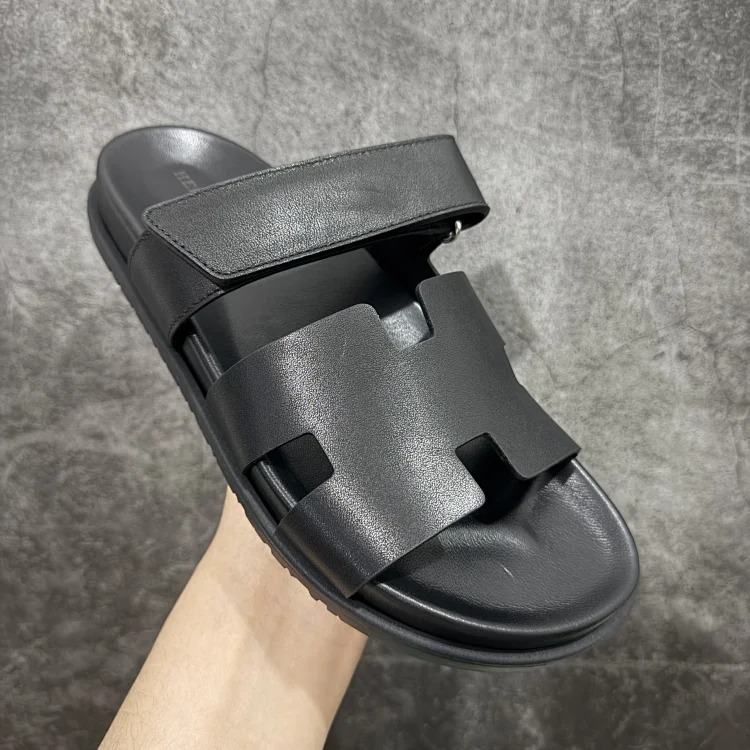
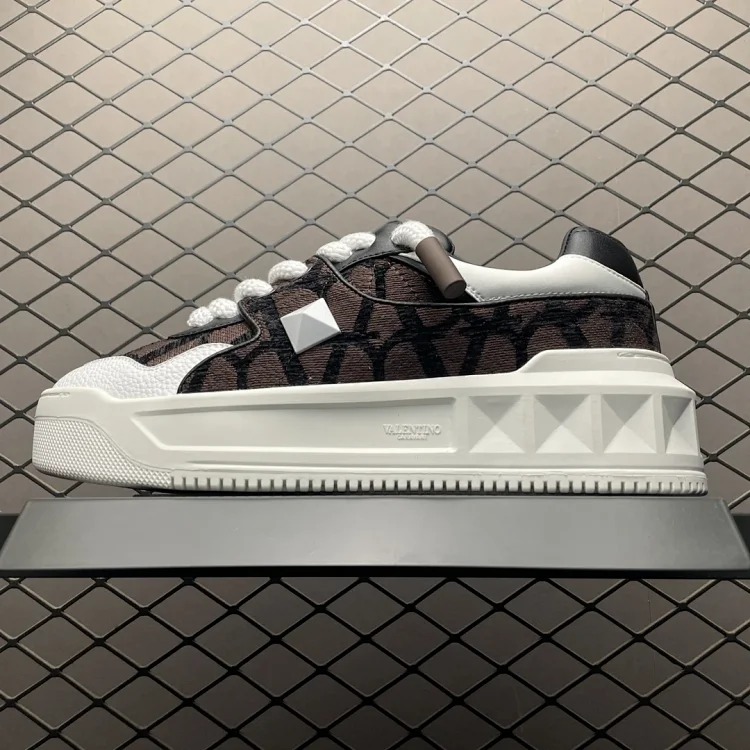
Score QC photos and measurements using the same checklist
A comparison only works when each option is asked to meet the same evidence standard. Before ordering, decide which QC photos are essential: front, rear, sides, interior, label, closures, seams, hardware, and a close-up of the finish when applicable. After warehouse arrival, use the same checklist for each product. Note whether the photos actually show the selected variant, whether the lighting affects color assessment, and which remaining detail needs clarification.
Measurements should also be comparable. Record width, height, depth, strap drop, opening, weight, or other category-specific dimensions in consistent units. For clothing, your fields might be chest, length, shoulder, sleeve, waist, rise, inseam, and hem. For shoes, the relevant field may be insole length. Ask for an agent measurement photo when the stated size is insufficient. A vague “true to size” comment cannot replace a number you can compare with an item you already own.

Include the agent route and shipping cost implications
A listing comparison is incomplete if it stops before warehouse handling. Add an agent route field for each option: link checked, seller details captured, variant selected, payment status, QC requested, QC reviewed, warehouse ready, and parcel planning. If an option changes after purchase, update the row with the new fact and reconsider the comparison. This process prevents one attractive listing from quietly gaining an advantage because its unanswered questions were ignored.
Shipping notes need their own comparison columns. Record how much protective packing the item may need, whether it should retain a box or shape, whether it can be consolidated with other goods, approximate packed dimensions once known, and the current route limitations for the destination. Compare shipping costs only after the weight and required protection are known. Do not treat old delivery times, customs assumptions, or agent routes as guarantees; current agent and carrier requirements are the source for those decisions.
Make the final choice transparent and reusable
At the end of the comparison, write one or two sentences explaining why an option remains, pauses, or is removed. The explanation might be “best documented measurements,” “needs better QC photo of closure,” or “packing risk does not match intended use.” That decision record becomes valuable when you return weeks later and can no longer remember why two similar listings were saved.
Use the PandaBuy Sheet categories to keep related comparisons grouped, and return to the PandaBuy checklist guide for a consistent research routine. For a deeper photo standard, read the related PandaBuy QC photos inspection workflow. It gives the visual review stage more structure once an item reaches the warehouse.
A good PandaBuy product comparison does not manufacture certainty. It makes seller details, QC photos, measurements, agent route, and shipping notes visible enough to choose the option with the strongest evidence. That approach produces a smaller, more maintainable sheet and helps future research start from documented facts rather than scattered links.
Before closing a comparison, take one last pass for duplicate variants and conflicting numbers. Confirm that each selected link still opens, that the selected color is written beside the link, and that any measurement request is attached to the correct product row. This final housekeeping is quick, but it prevents a later order from relying on a note copied from the wrong listing.